novaHost - Environment Plugin
Overview
The Nova Host Environment plugin implements the "Environment" tab found in the Nova Host GUI.
The Environment Plugin demonstrates several features commonly found in an IOS including weather conditions and time of day.
Source Location
src/novaHostEnvironmentPlugin
INI File Data
The Environment Plugin doesn't read any INI file settings.
Command Line Options
The Environment Plugin doesn't use any command line options.
IG Features Demonstrated
The following IG features are demonstrated in the Environment Plugin:
Ephemeris
Time of Day and Date
Manual Moon Position and Phase
pC-Nova Ephemeris Model
Global Visibility/Haze
Global Winds
Ground Temperature
Humidity
Cloud Layers
Cloud Regions
3D Clouds
Precipitation
Rain and Lightning
Hail
Snow and Snow Accumulation
Ground and Patchy Fog
Sea State
ICD Fields Used
The Environment Plugin reads and writes the following ICD fields which are later translated to CIGI messages to be sent to (or read from) the IG.
ICD Field | Usage |
|---|---|
host2pcnova->ios2ig.dat.tofday* | Time of day, date, and manual moon position. |
host2pcnova->ios2ig.dat.gnd_temp | Ground temperature. |
host2pcnova->ios2ig.dat.humidity | Humidity. |
host2pcnova->ios2ig.dat.alpenglow | Mountain alpenglow. |
host2pcnova->h2ig.dat.wind_dir* | Global wind direction. |
host2pcnova->h2ig.dat.wind_veloc* | Global wind speed. |
host2pcnova->ios2ig.dat.cloud_layer* | Control of each of the three cloud layers. |
host2pcnova->ios2ig.dat.cloud_regions1[0] | One cloud region is used to test. |
host2pcnova->h2ig.dat.fx_data.cloud3D[0] | One 3D cloud is used to test. |
host2pcnova->ios2ig.dat.rain | Rain rate. |
host2pcnova->ios2ig.dat.hail | Hail. |
host2pcnova->ios2ig.dat.lightning | Lightning. |
host2pcnova->ios2ig.dat.snow | Snow fall rate. |
host2pcnova->ios2ig.dat.seasonal_control | Used to enable snow accumulation. |
host2pcnova->ios2ig.dat.snow_accumulation | The snow shader. |
host2pcnova->ios2ig.dat.wet_runway | Allows the user to show different textures on runways. |
host2pcnova->ios2ig.dat.fog* | Fog controls. |
host2pcnova->ios2ig.dat.sea_state.sea_state* | Sea state control. |
CIGI Packets Used
The Nova Host GUI's aeRosetta library will translate the aforementioned ICD fields to the following CIGI packet types.
CigiAtmosCtrl
CigiWeatherCtrl
CigiCelestialCtrl
CigiCompCtrl
CigiShortCompCtrl
API Features Used
The Entity Plugin uses the following Plugin API features:
Feature | Usage |
|---|---|
GuiEventApi | Used to write messages. |
GuiInputApi | Reading, writing, and responding to the Environment Plugin's GUI widgets. |
GuiObjectApi | Used to create the 3D cloud in front of the eyepoint. |
GuiDataApi | Reading/writing the pC-Nova ICD that the Nova Host GUI translates to CIGI with aeRosetta. |
Usage
Clicking the Environment tab in the Nova Host GUI displays the Environment Plugin controls and sub-tabs.
Ephemeris
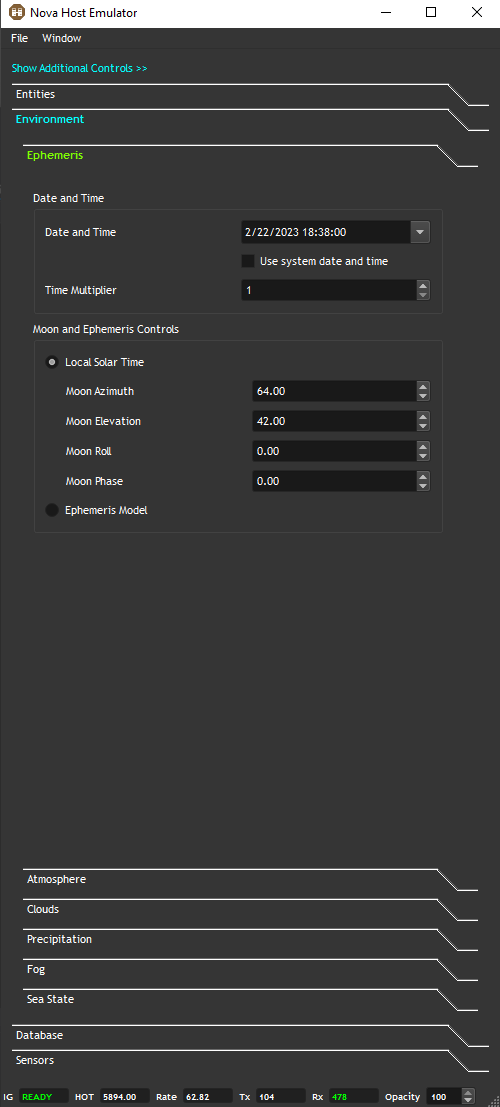
The Ephemeris controls allows the user to set the time and date and control the ephemeris model.
Date and Time
When Use system date and time is enabled the Environment Plugin will read the system clock and update the time and date sent to the IG to match.
Uncheck this control if you'd like to manually set the date and time.
Time Multiplier
This allows the user to speed up time.
It's useful for testing thermal crossover and dusk/dawn scenerios.
Local Solar Time
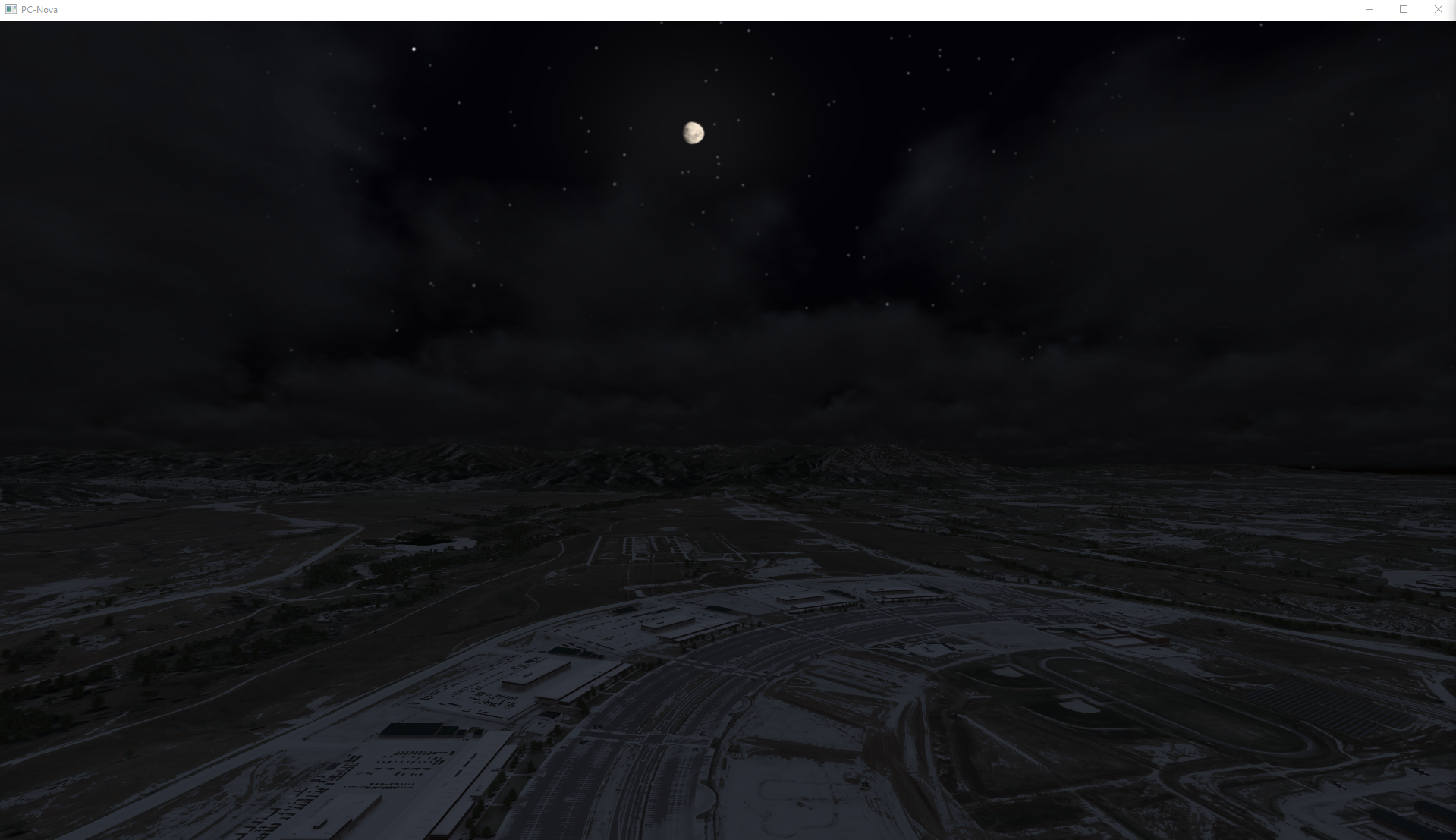
In this mode the IG will use local solar time and allow the user to manually position the moon position and phase as shown below.
Ephemeris Model
This is a true ephemeris model where star and planet positions are computed based on the date and time set.
Based on "Astronomical Formulae for Calculators Third Edition" Jean Meeus Sinnott.
Atmosphere
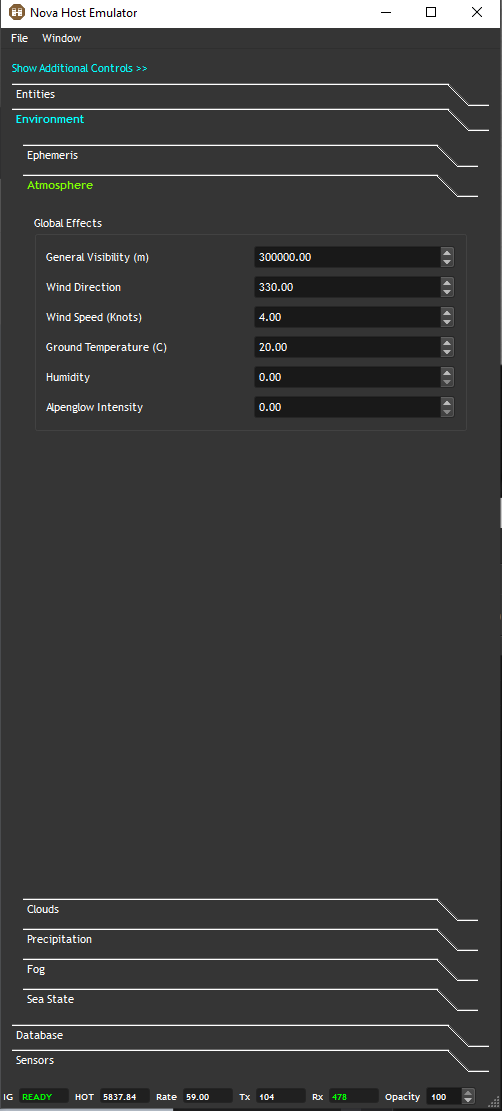
The Atmosphere controls are self explanatory.
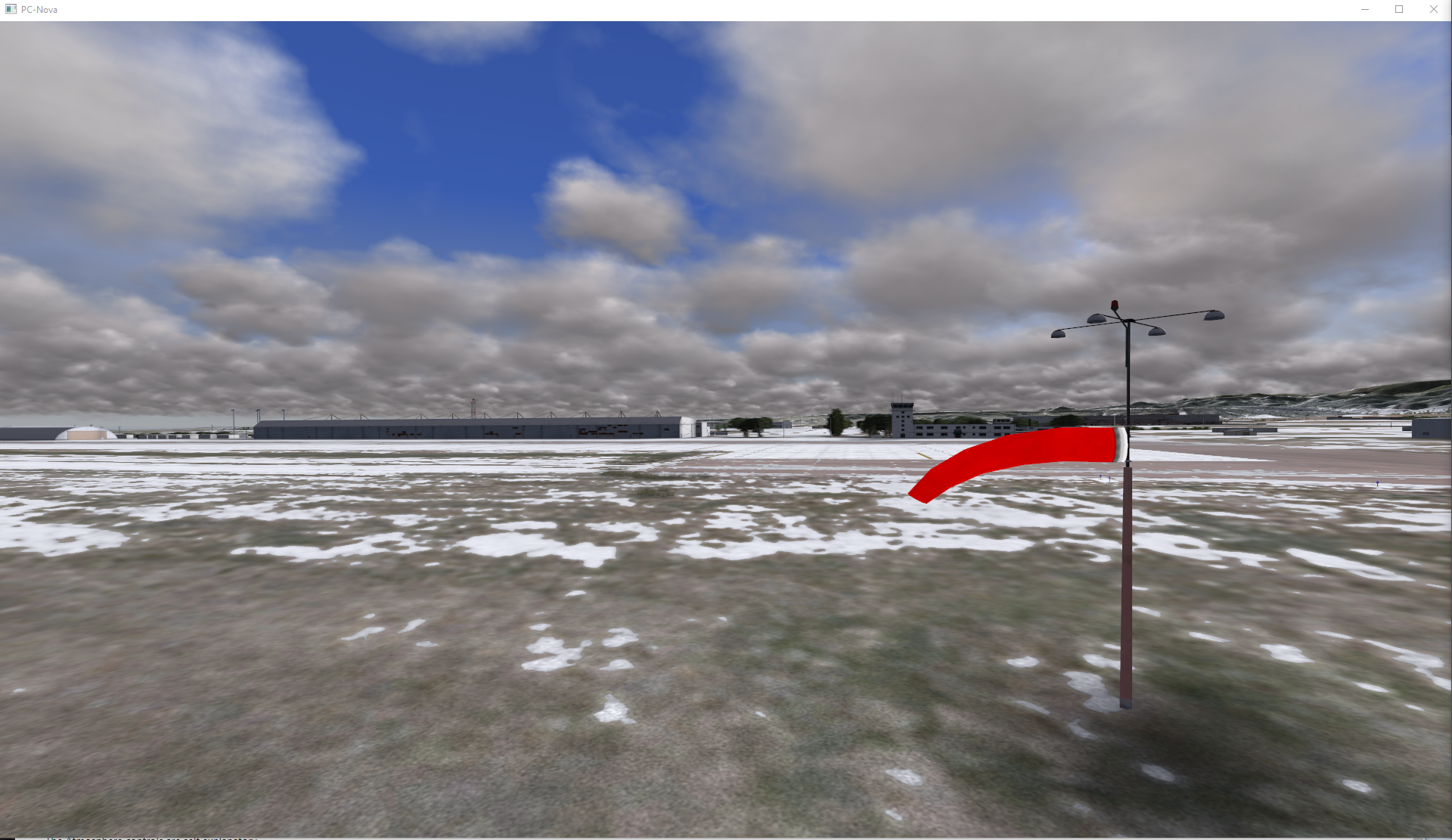
Note that wind speed and direction will effect things like windsocks, smoke columns, and clouds.
Clouds
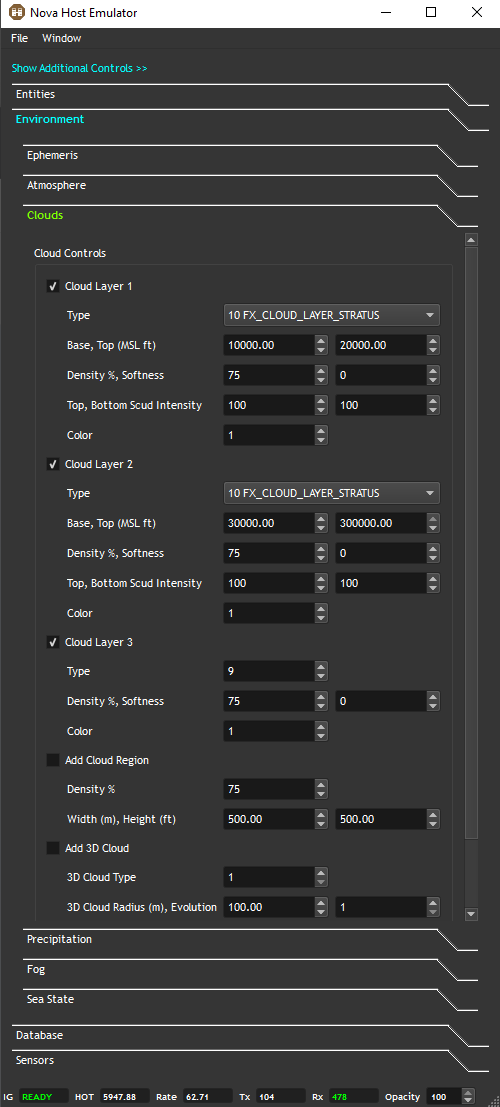
The Clouds sub-tab allows you to test cloud layers, regions, and 3D clouds.
Cloud Layers
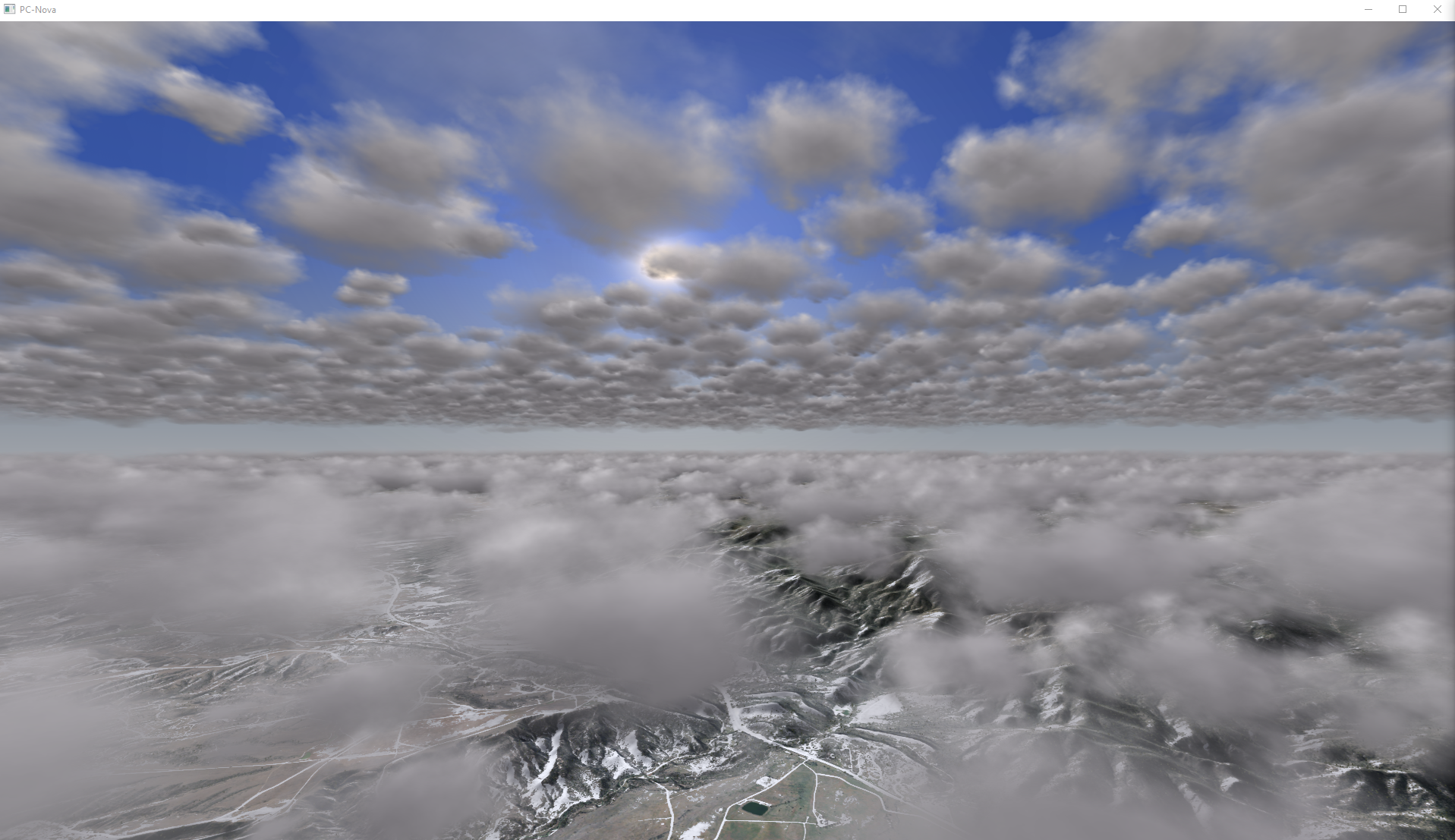
The Cloud controls allow you to enable and modify the three pC-Nova cloud layers as shown below.
Cloud Regions
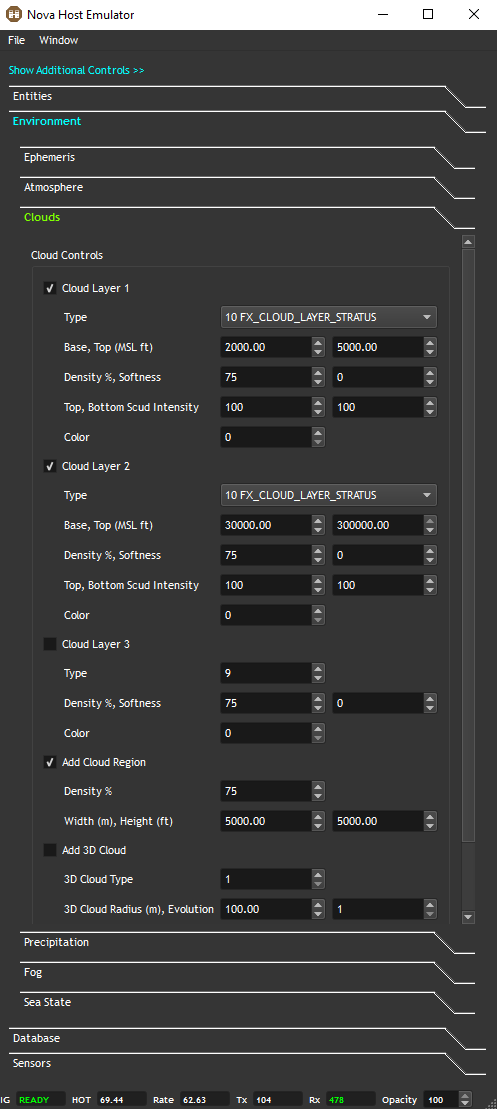
The Cloud Region control allows you to contain a Cloud Layer to a certain region defined by a width and height in meters.
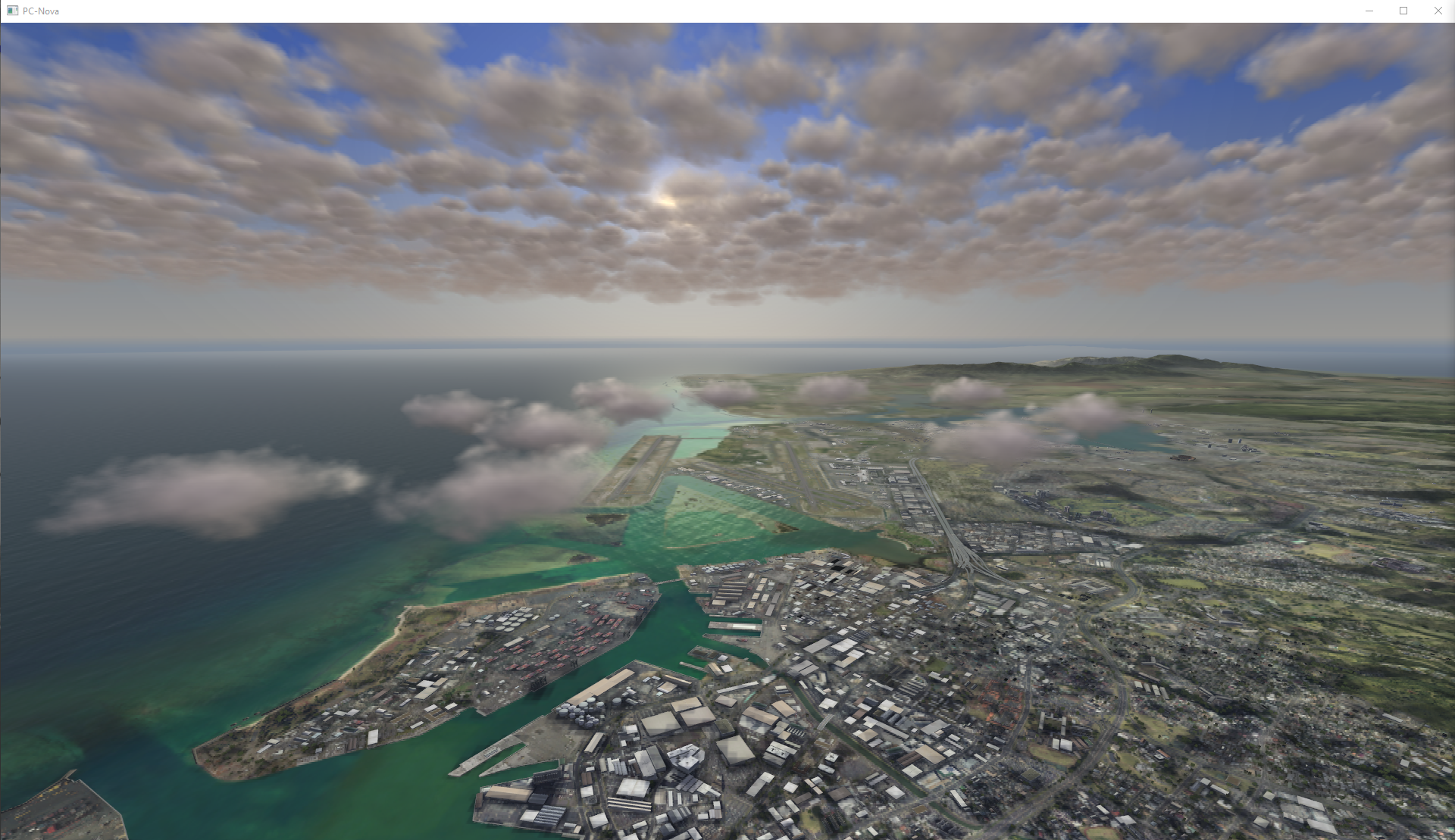
Below we have used the controls to put cloud cover over PHNL using the Cloud Region Control and Cloud Layer 1. Additionally, we've added Cloud Layer 2 to add global clouds higher.
Note that Cloud Regions are only applied to cumulus layers (type 10).
Additionally, for simplicity the Environment Plugin only provides GUI controls for 1 Cloud Region in Cloud Layer 1 using host2pcnova->ios2ig.dat.cloud_regions1[0]. Each layer supports up to 32 regions and Cloud Layer 2 can be controlled via host2pcnova→ios2ig.dat.cloud_regions2[*]. Users can modify these fields in the Spy Tab to test.
Add 3D Cloud
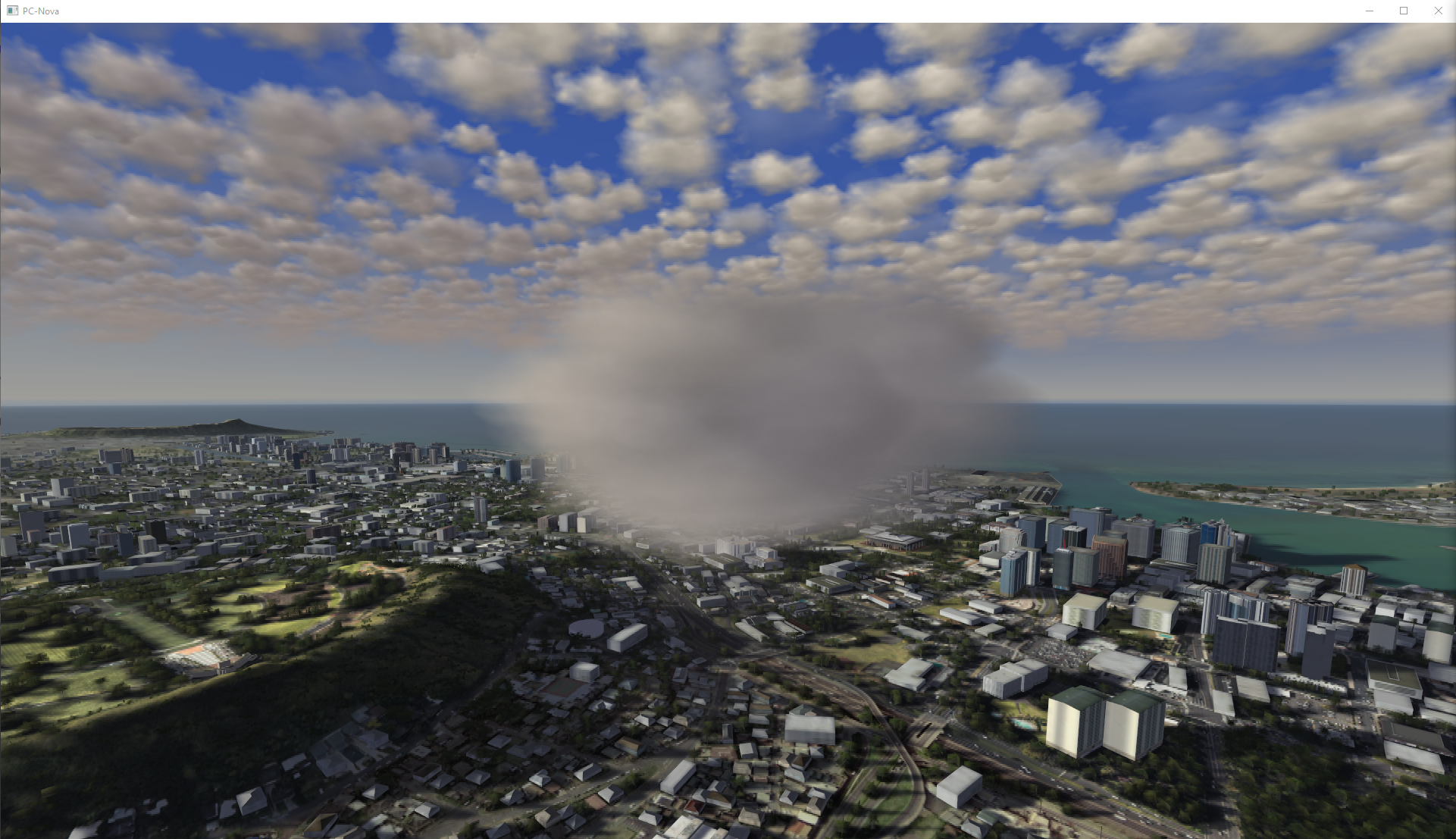
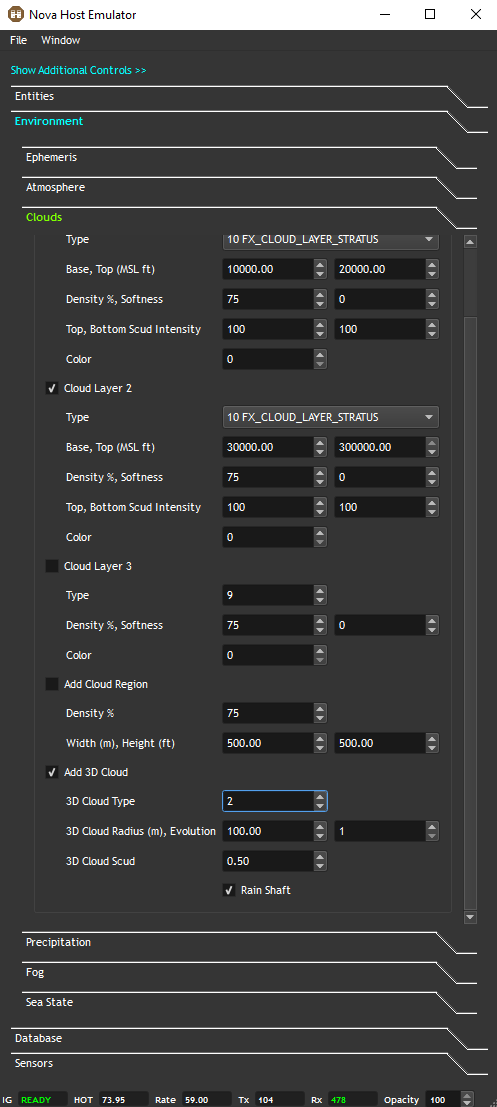
Users can add a 3D Cloud and change it's type for demonstration.
Note that it's possible to place many 3D Clouds in the scene but the Environment Plugin only exposes one for simplicity.
Precipitation
The Precipitation sub-tab offers several IOS controls for rain, hail, and snow.
Rain and Lightning
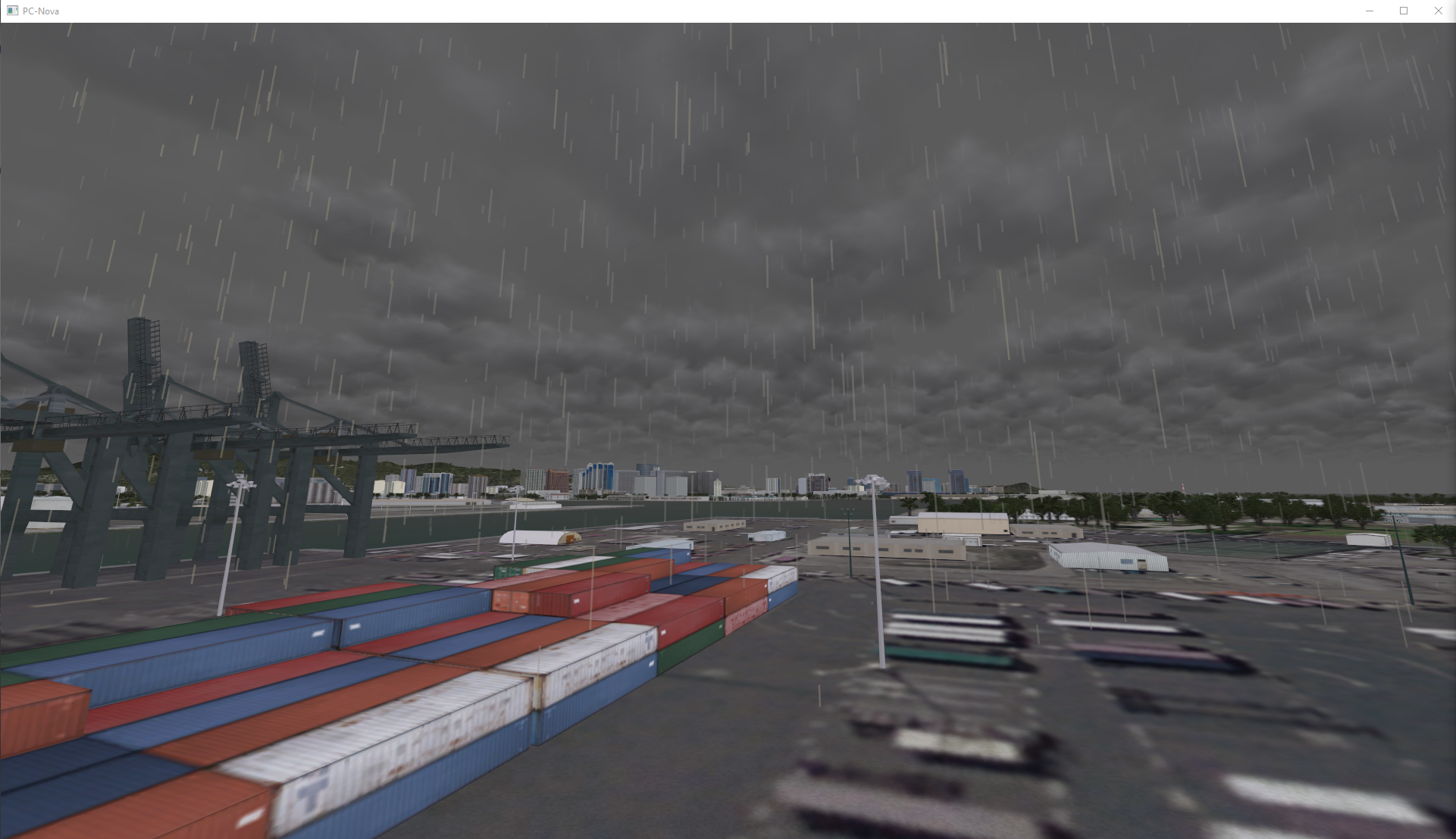
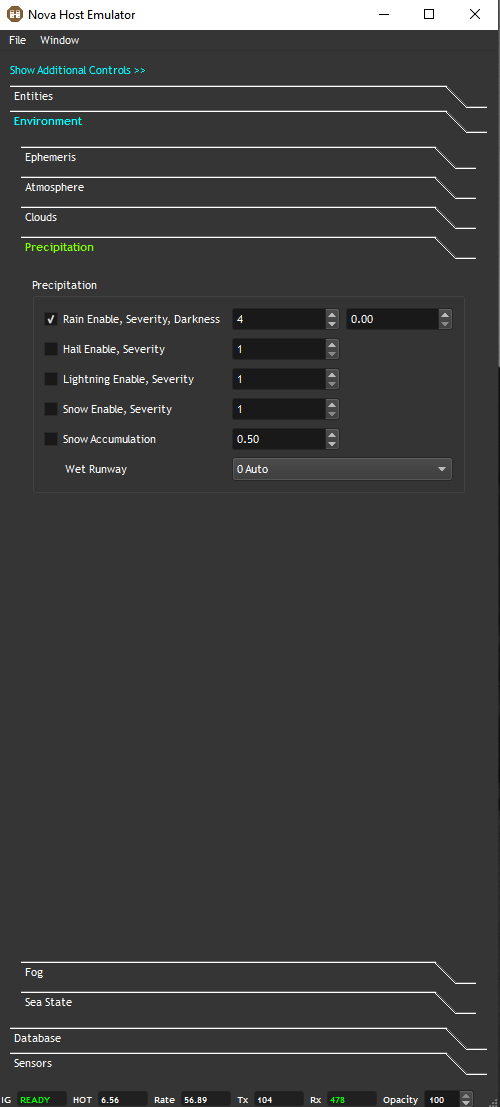
Controls for setting the Rain Severity and scene Darkness (inten_rain) are provided along with independent controls for Lightning Severity.
Hail
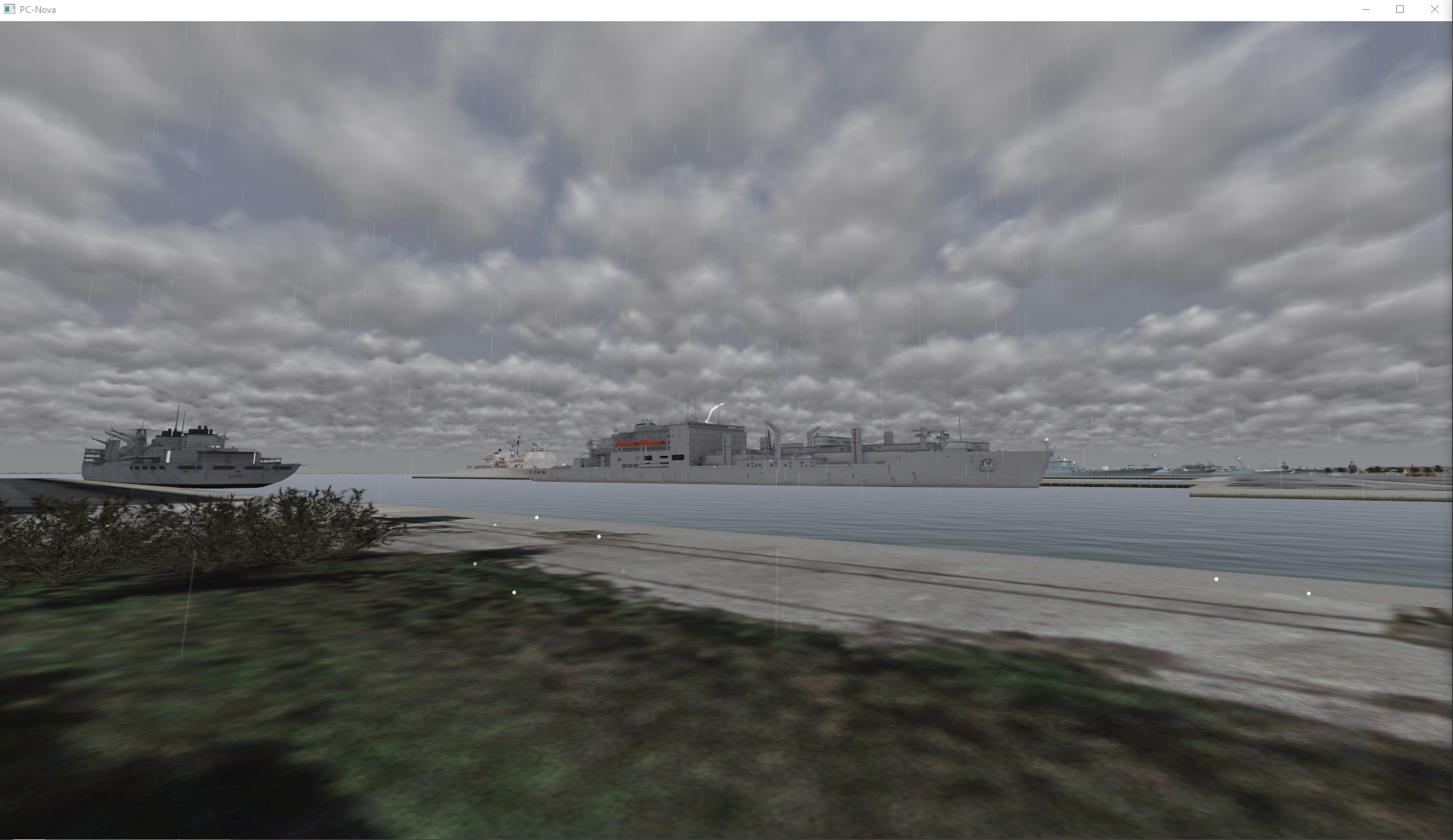
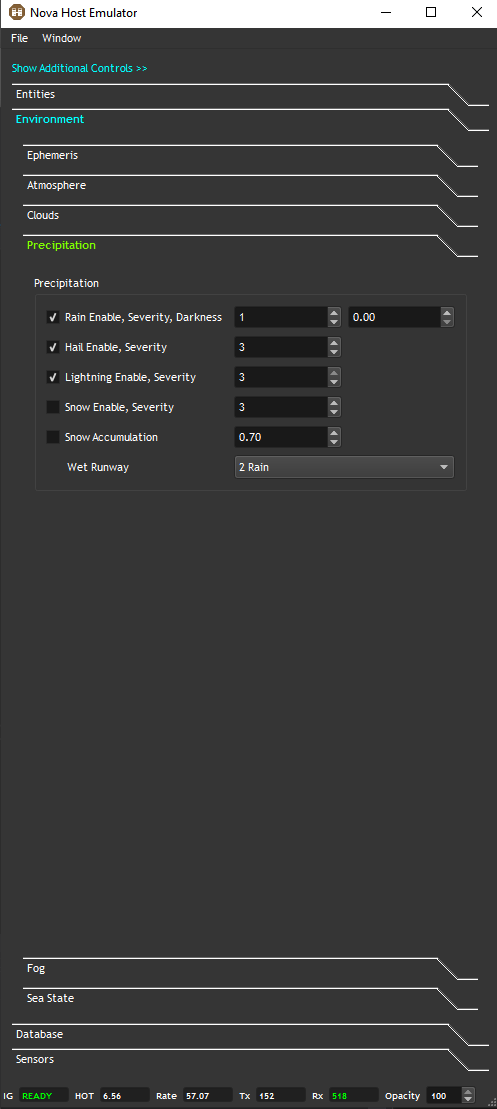
When Rain is enabled users can also enable Hail.
The effect can be difficult to see from altitude but at ground level you'll see the particles bouncing off the terrain.
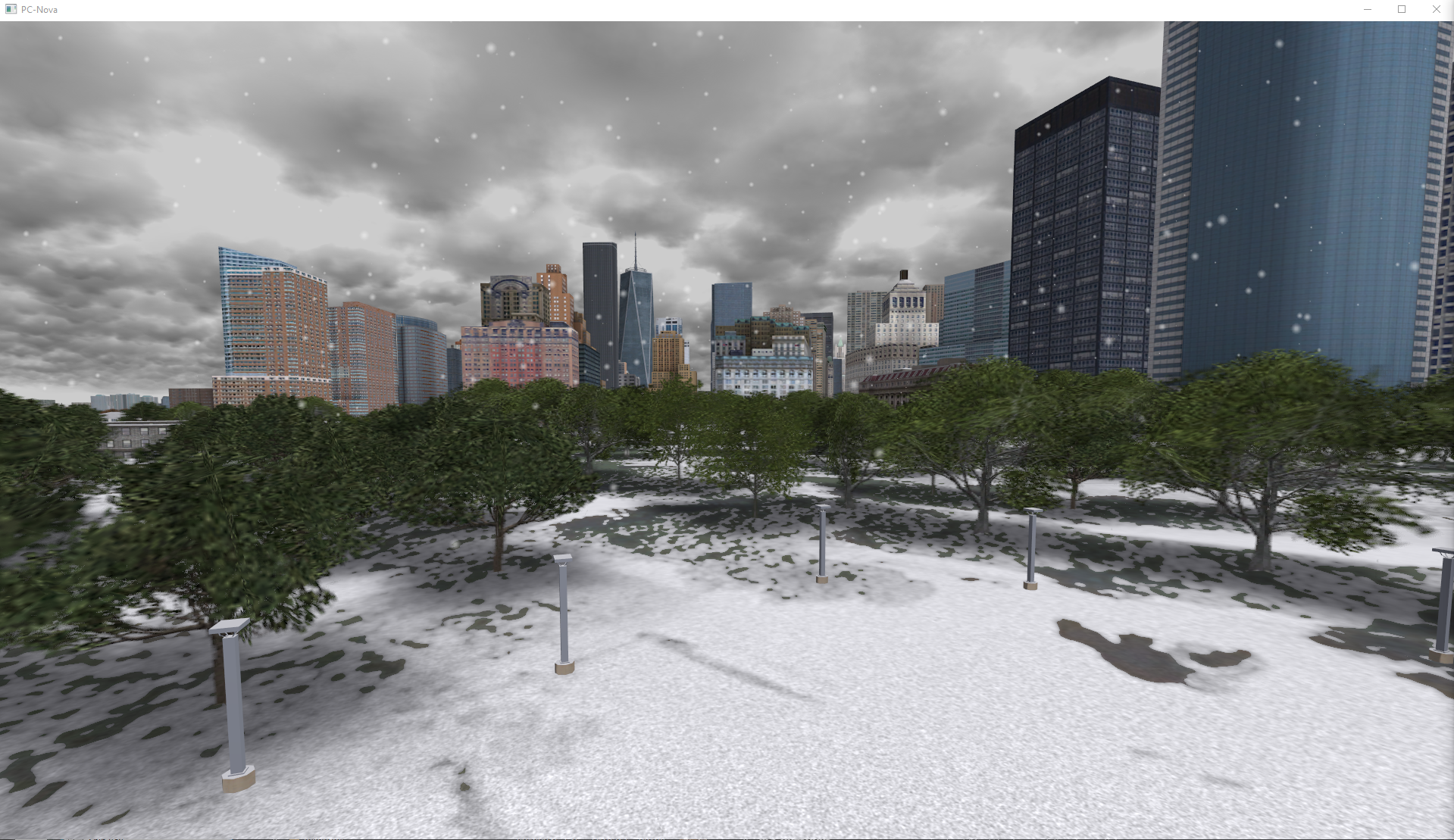
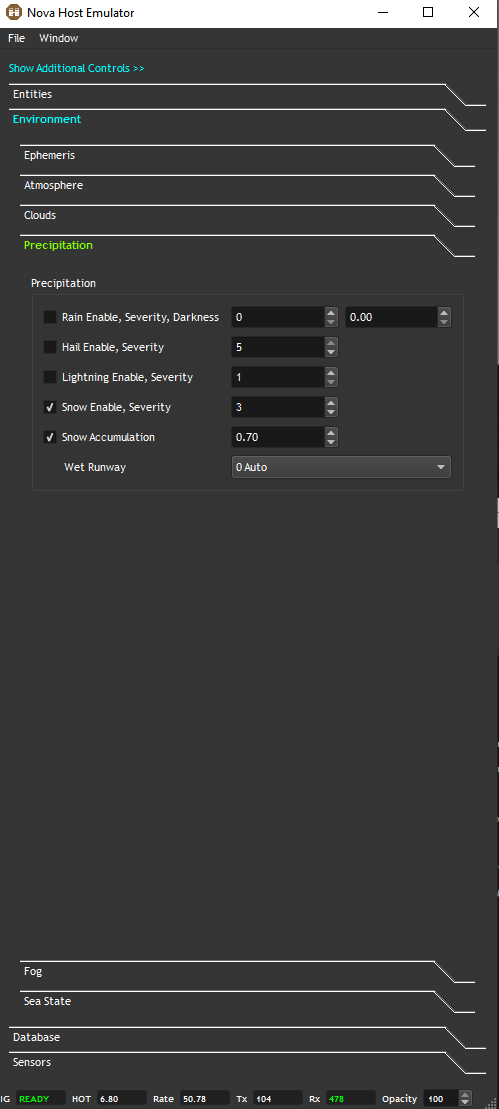
Snow
Both Snow Severity and Accumulation IOS controls are provided.
The Snow Severity controls the amount of snowfall while the Accumulation specifies how much snow id on the terrain.
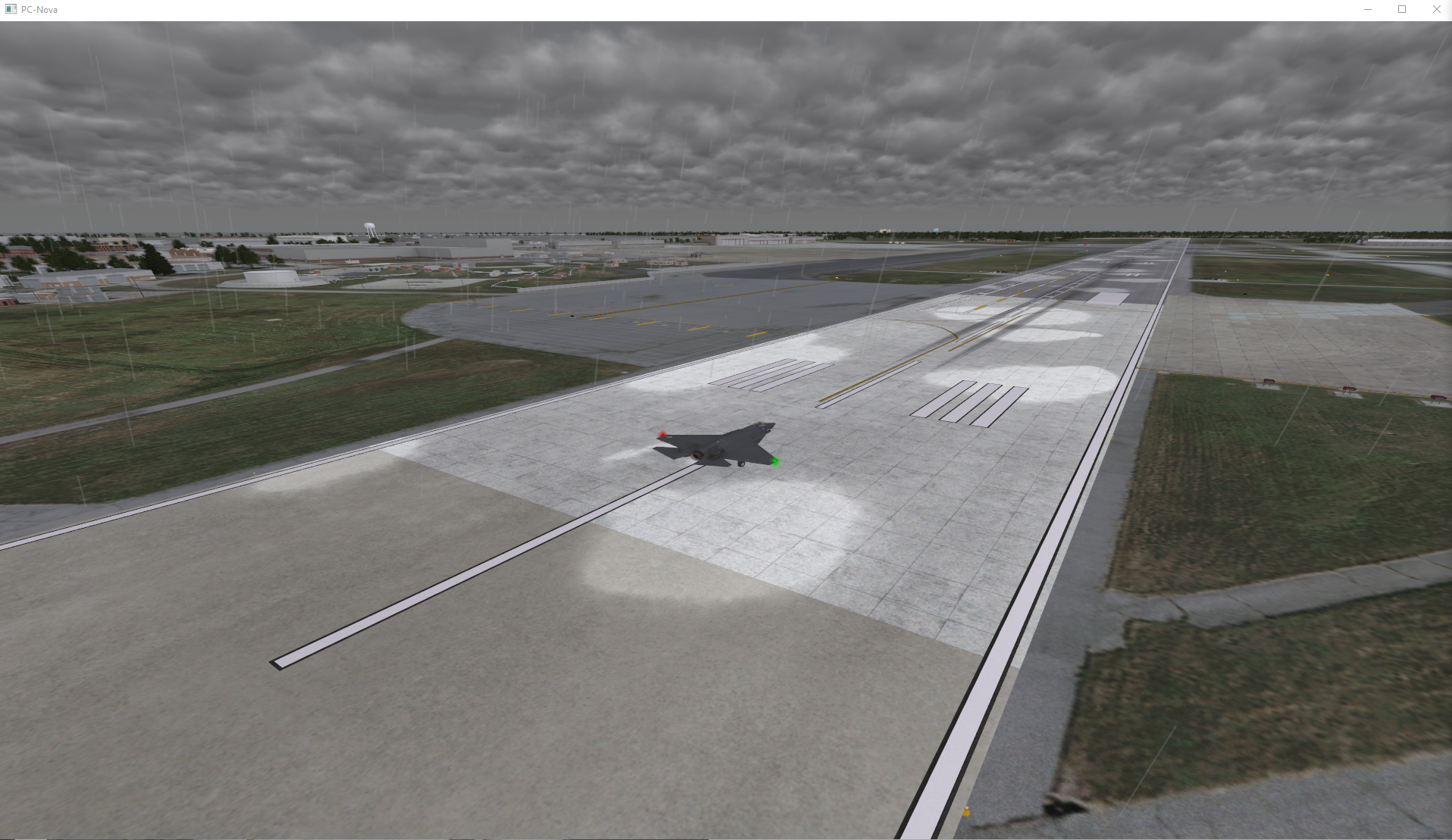
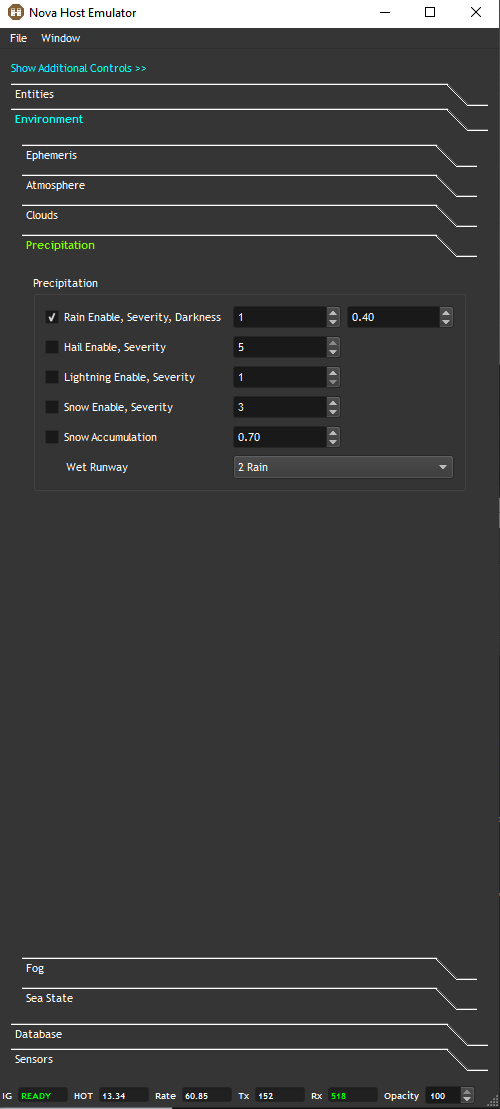
Wet Runway
The Wet Runway controls allow the user to put rain, sand, snow, etc textures on runways.
Fog
Several Fog IOS controls are available.
Ground Fog
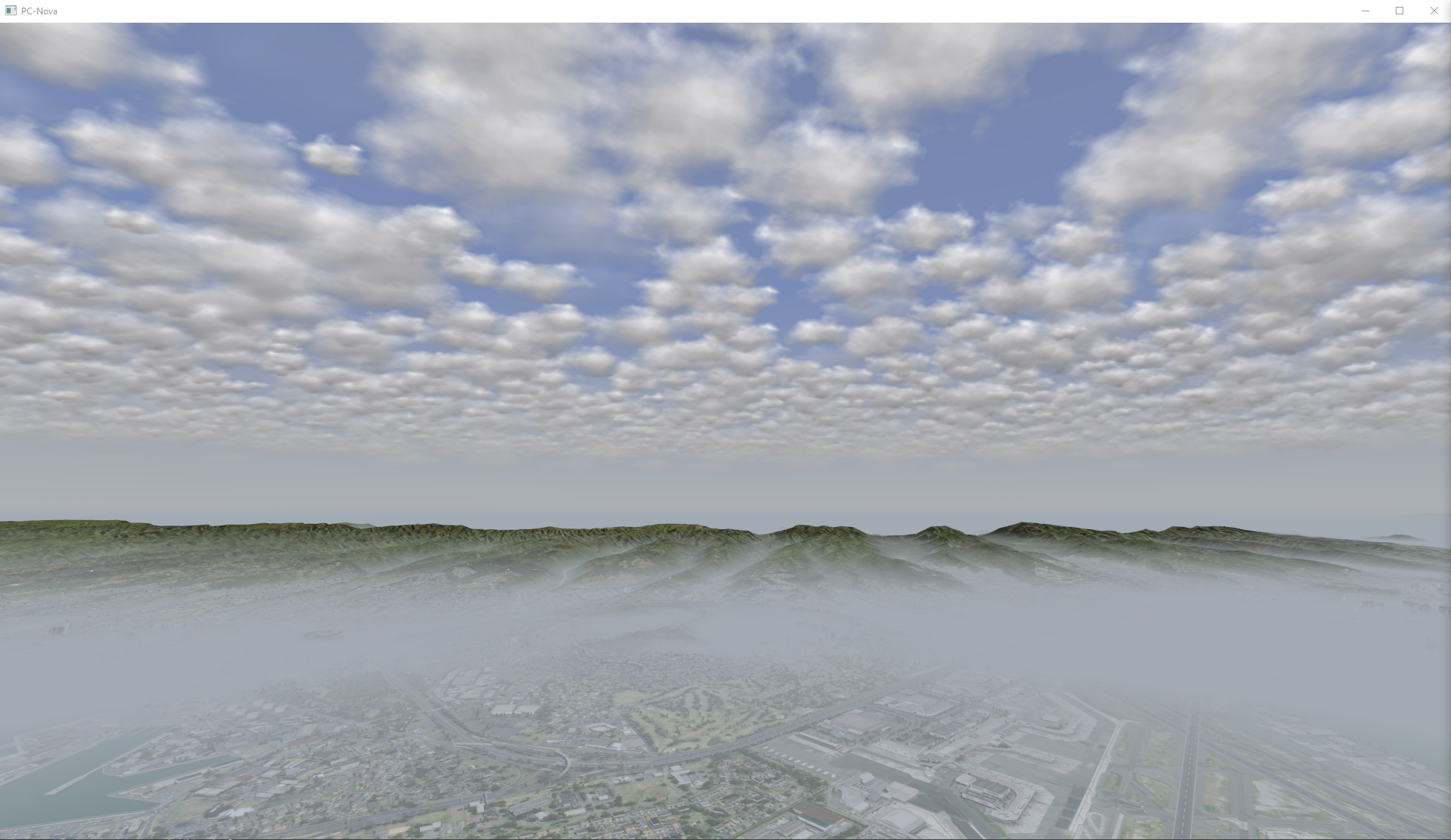
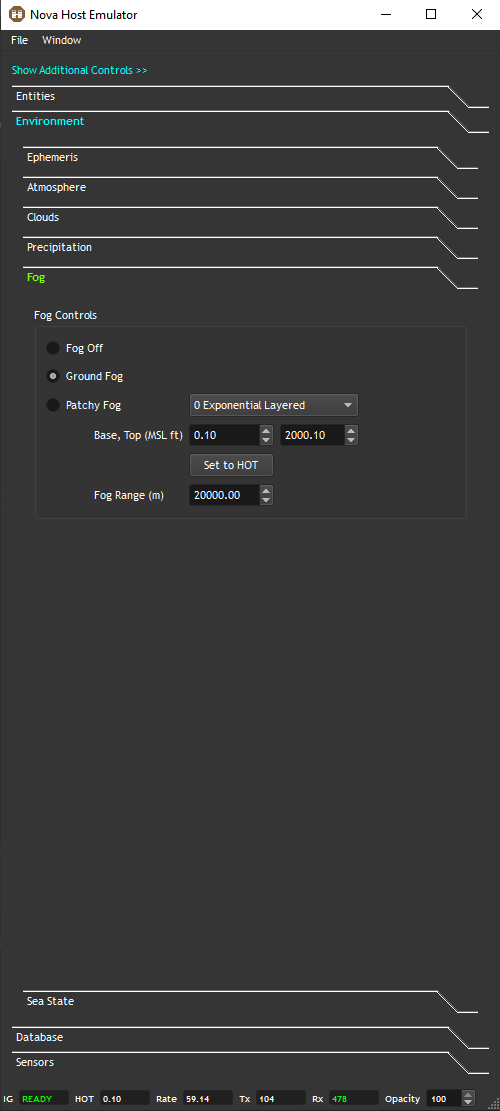
The Ground Fog controls provide users access to the ICD fields for putting fog close to the ground that affects runways visibility range (RVR).
Note that the Base altitude is MSL so a Set to Hot control is provided for areas at higher elevation.
Patchy Fog
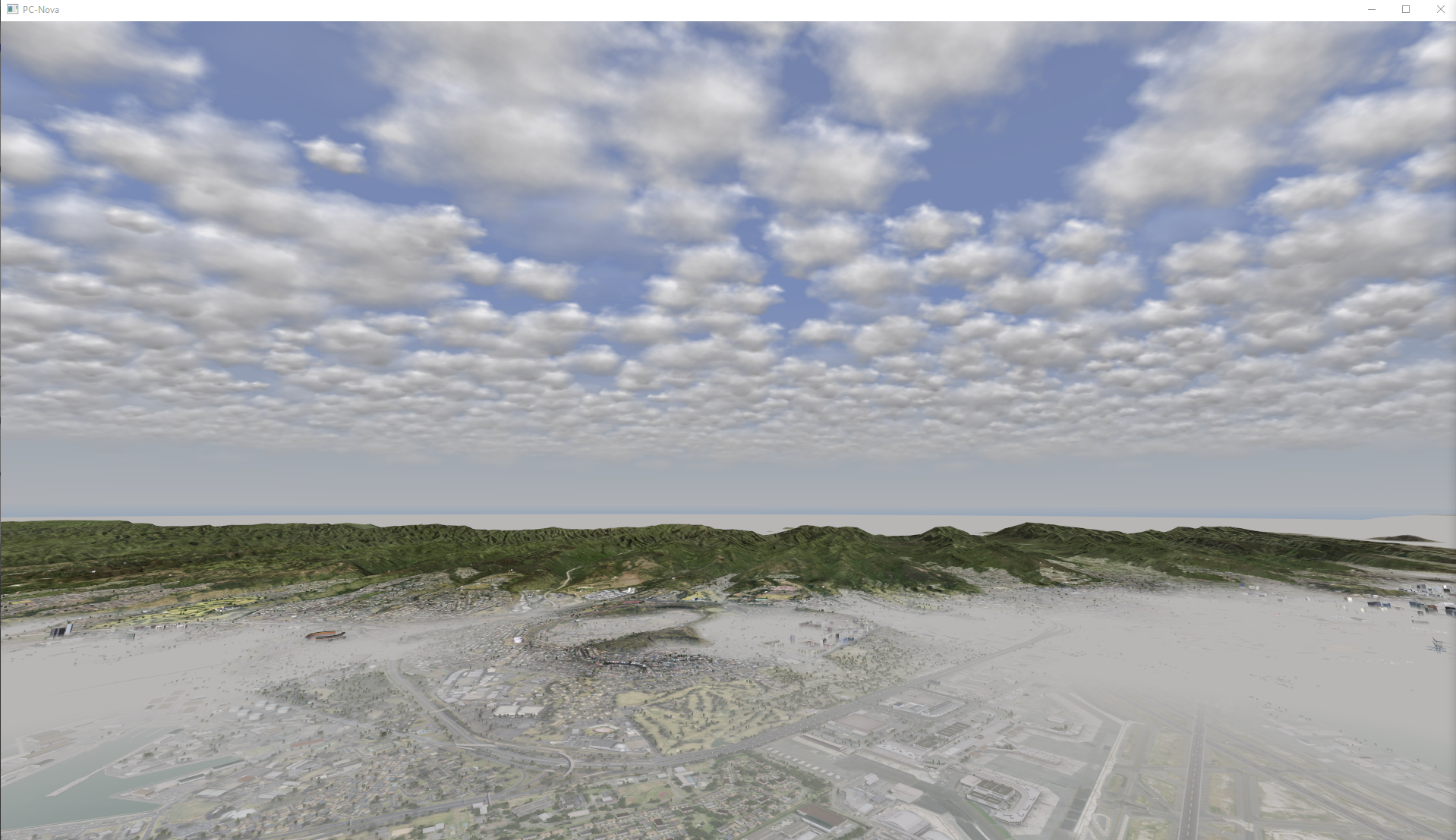
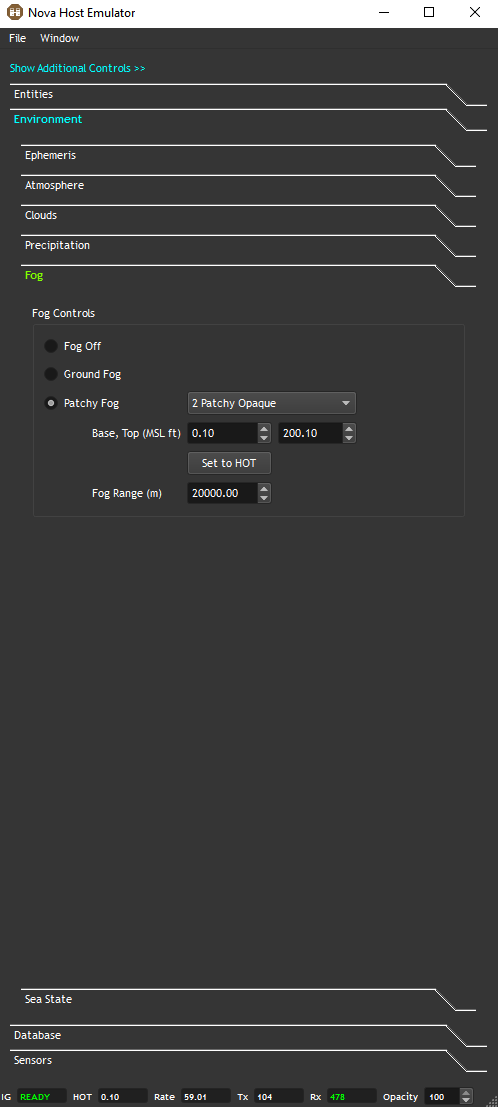
Patchy Fog controls are also provided to provide more variance to Ground Fog.
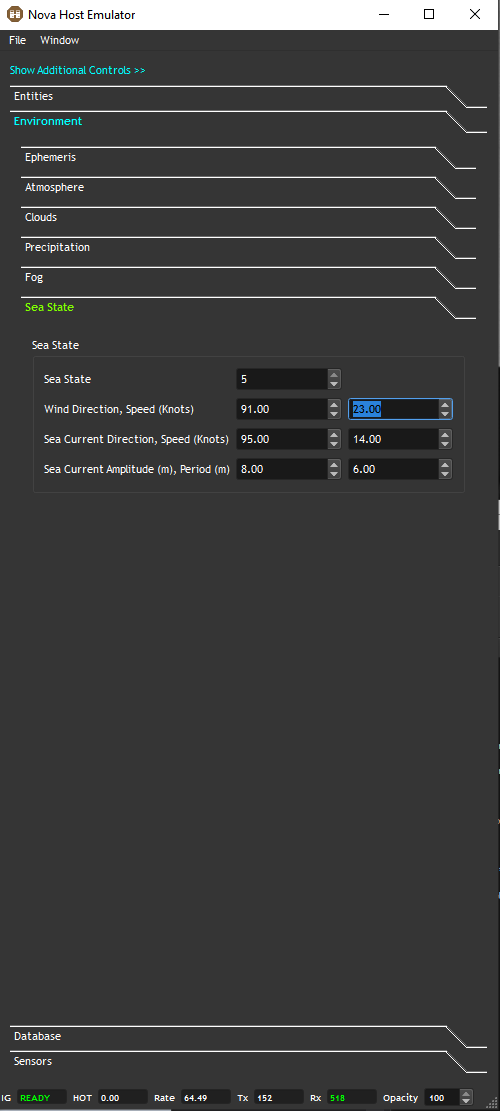
Sea State
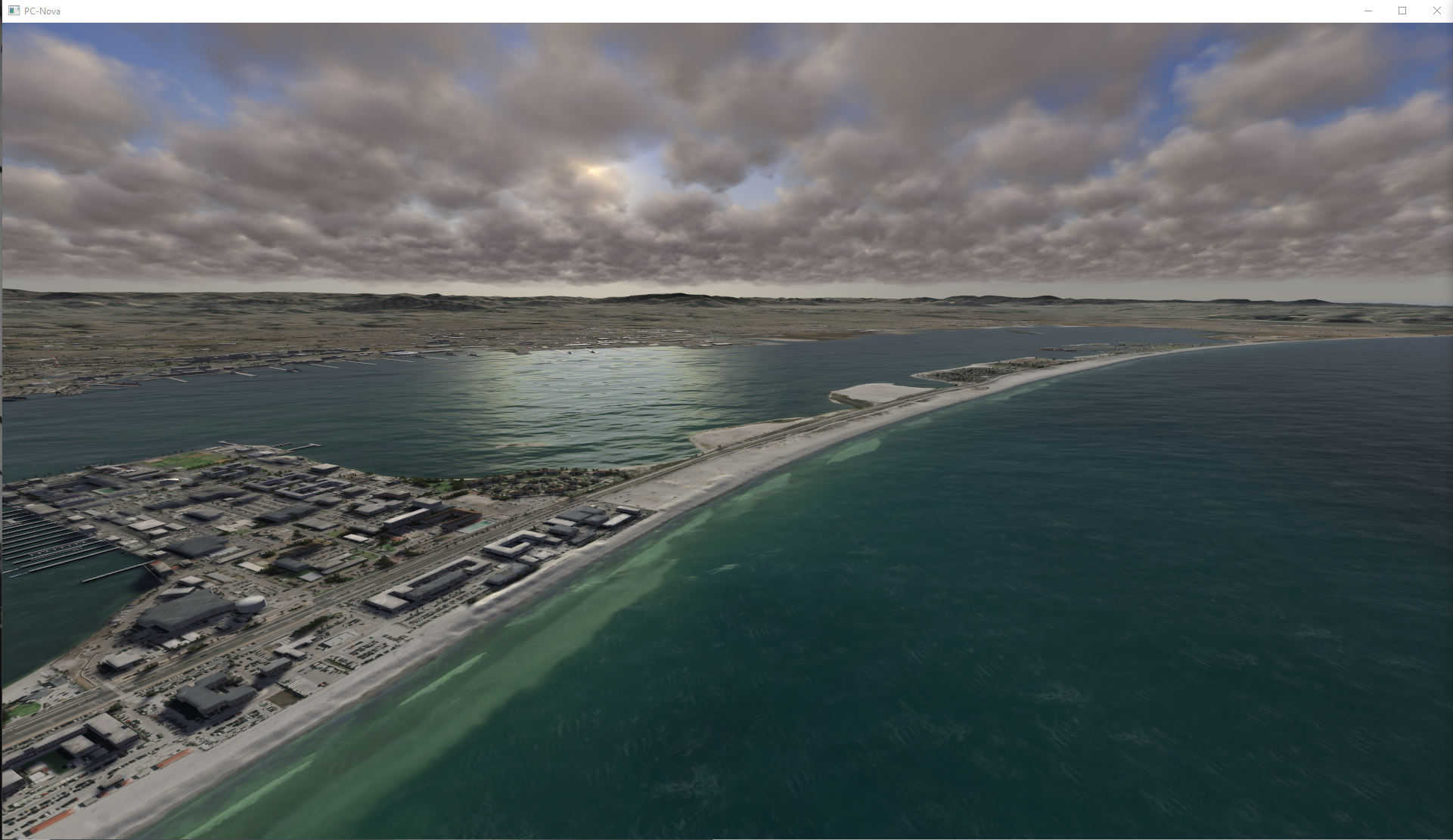
IOS controls for setting several Sea State ICD parameters are provided.